Stop Guessing & Start Following A Proven System To Master Colour Grading
Relying on LUTs and quick fixes is holding your work back. Start developing real colour grading skills that clients will actually pay for.
What you will learn:
Introduction to DaVinci Resolve
In the first chapter we'll cover the absolute basics of colour grading in DaVinci Resolve, from getting to know your way around the colour page, to dialling in your project settings. You'll learn how each node works, how to read and use the scopes, and what the best export settings are for each platform.
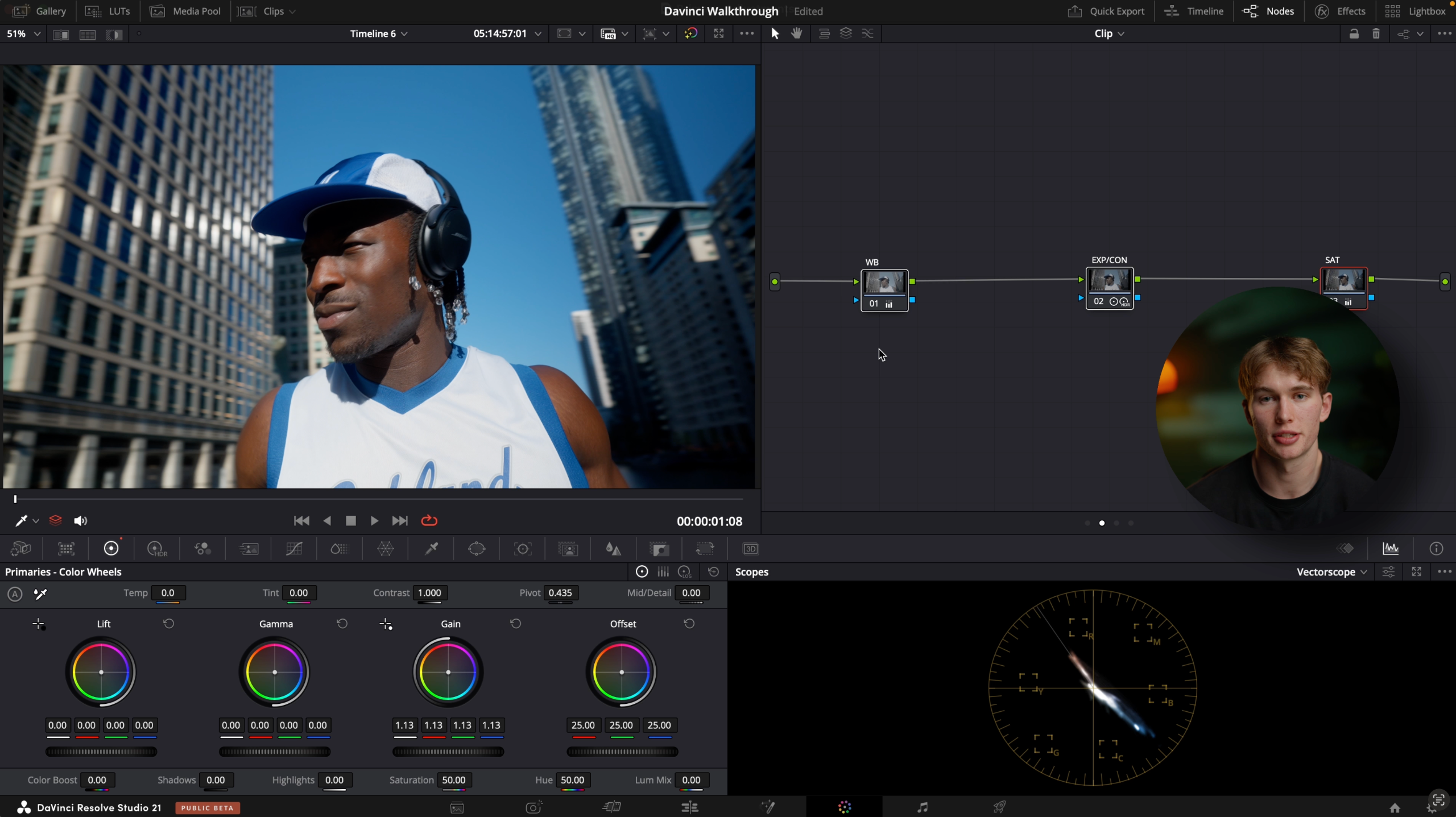
Deep dive into colour management + working with raw footage
In the second chapter we'll break down exactly what colour management is, why we do it, and all the different ways to do it in DaVinci Resolve. We'll also cover how to work with and colour manage RAW footage.
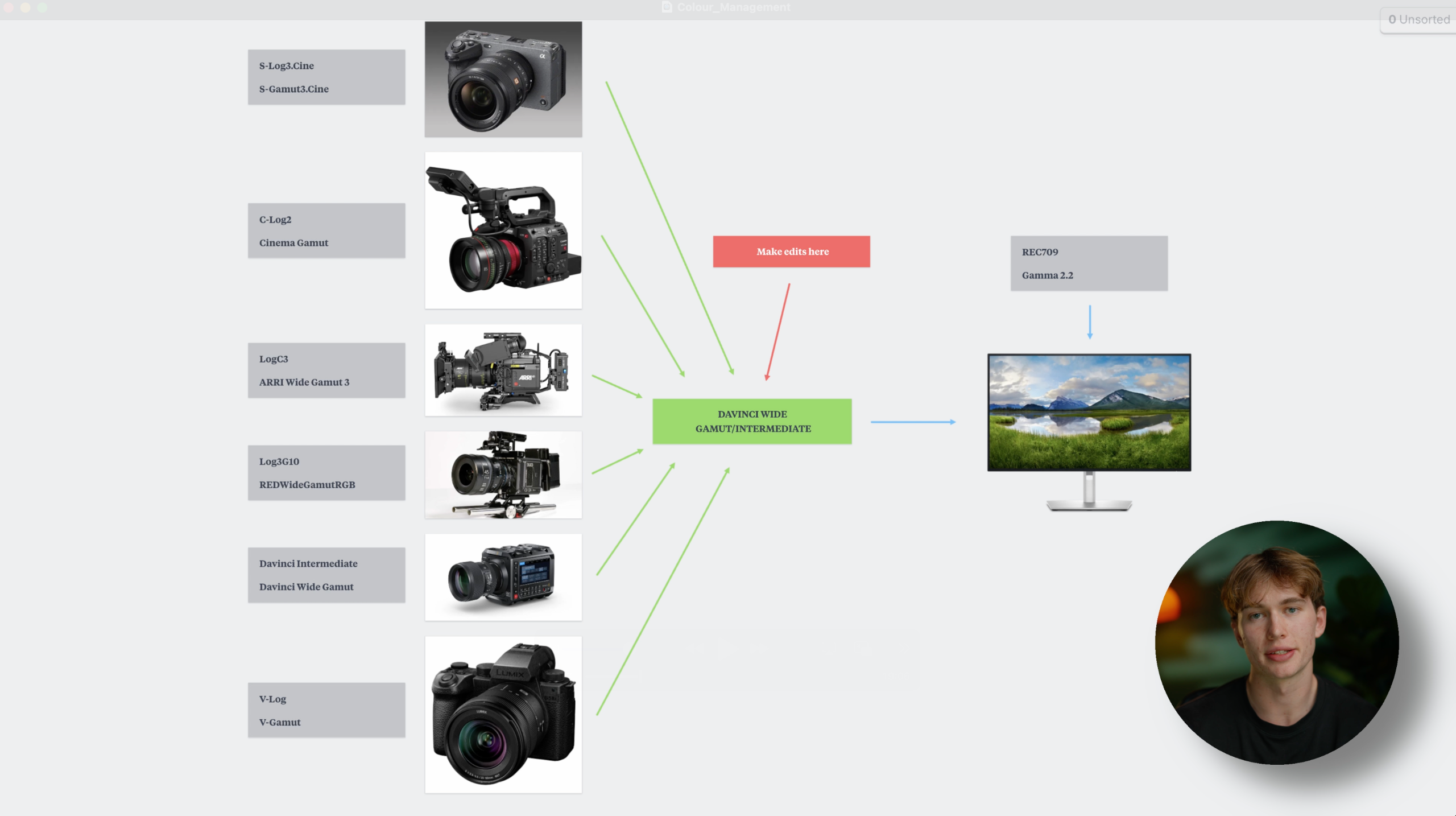
Break down of colour correction techniques
In this third chapter, we'll go over the difference between primary adjustments and secondary adjustments. What each of the adjustments tools in DaVinci Resolve are and when we'd want to use them, as well shot matching techniques to create consistent grades, and advanced noise reduction techniques.
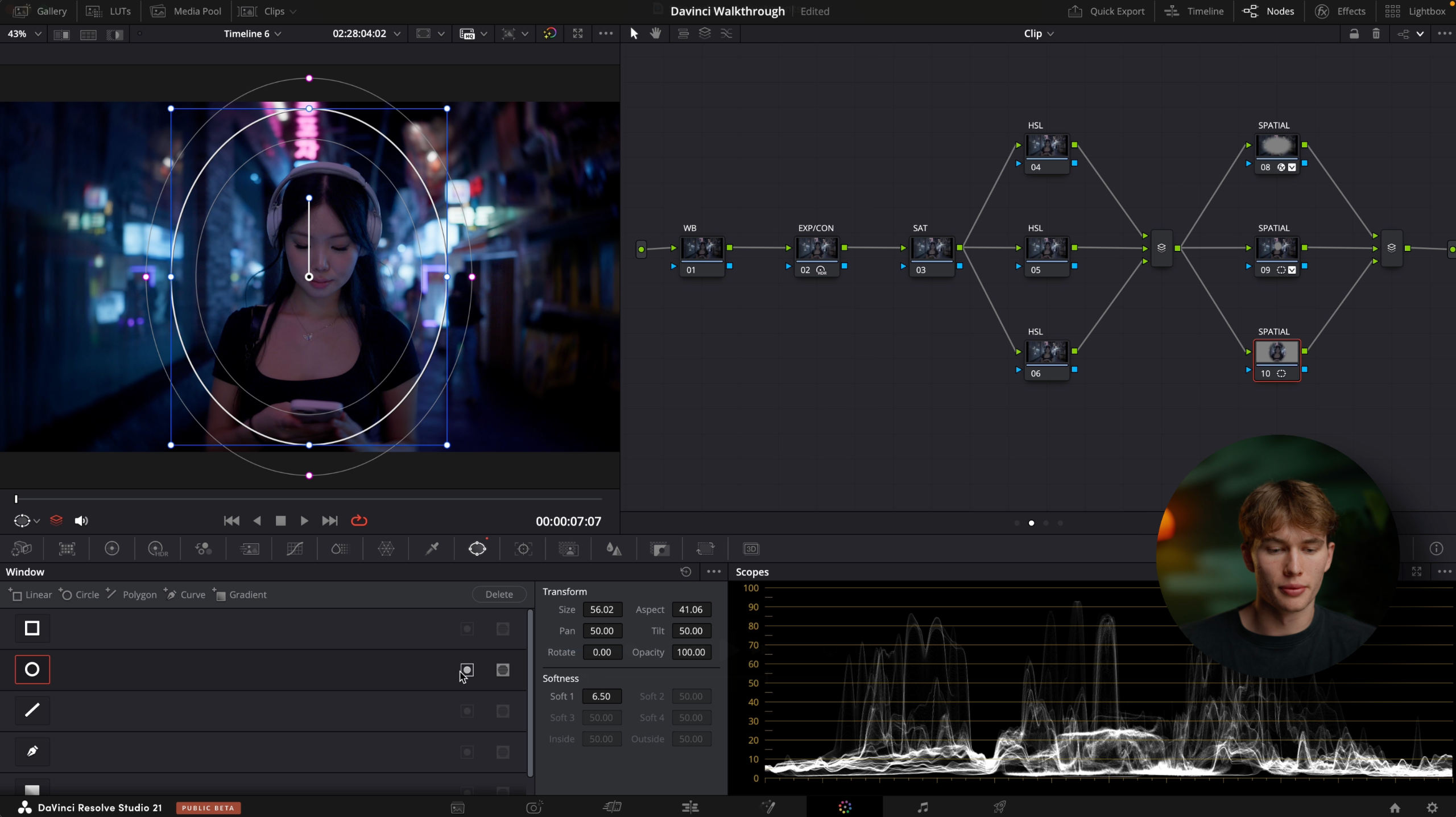
Learn to build your own creative grades through look development and building your own LUTs
In the fourth and final chapter, we'll take a look at how to develop your own creative look, save it as a LUT, and replicate colour grades from your favourite films and TV shows.
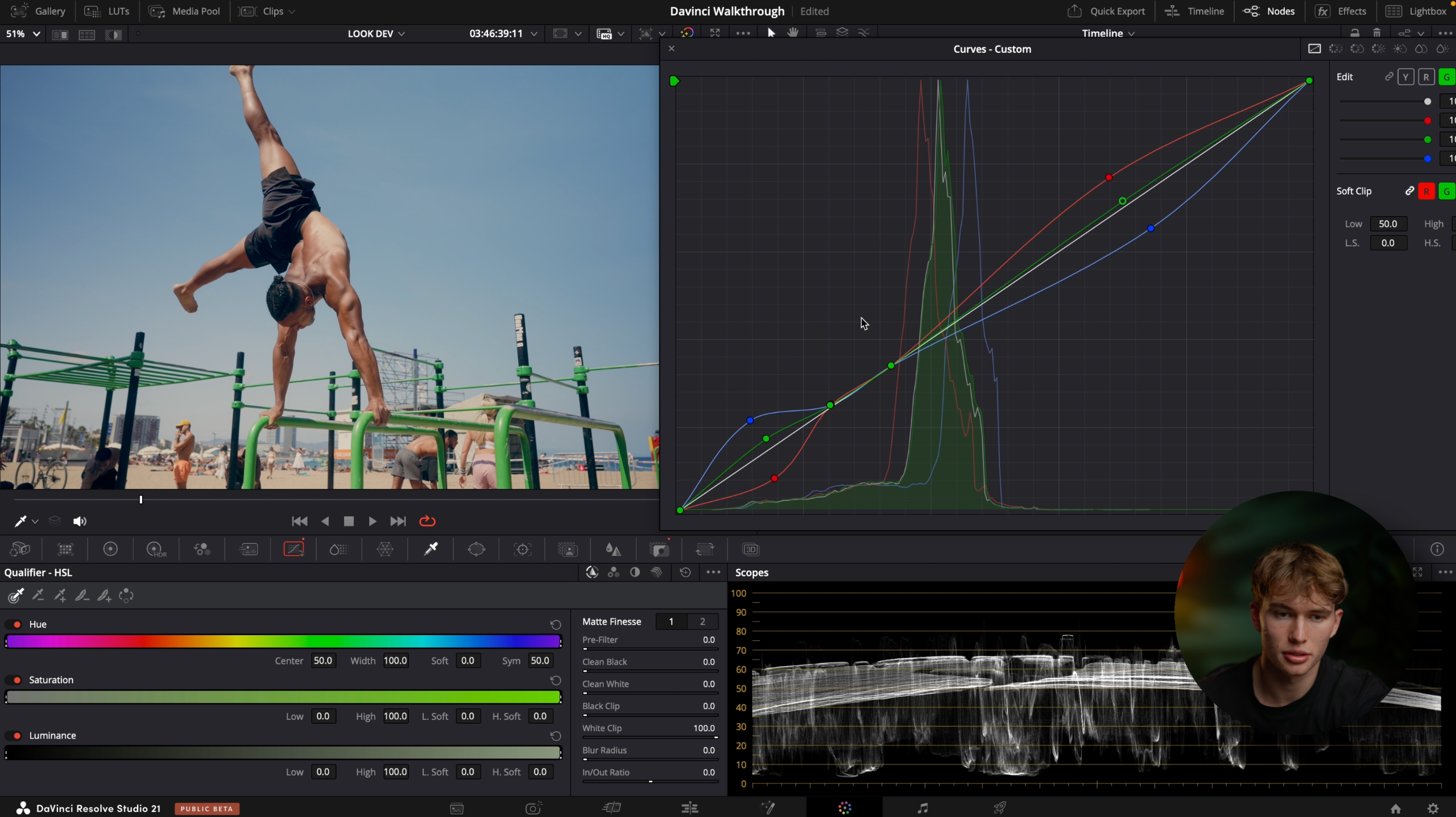
Learning to colour grade was the single most valuable investment to my professional work
When I first started learning colour grading in DaVinci Resolve it felt like I was being asked to fly a fighter jet with no prior experience... There are so many available tools, features and settings to choose from that I was instantly overwhelmed. At first I got away with using LUTs and following YouTube tutorials, but once I started grading longer and more intensive projects that workflow quickly fell apart.
Then I realised just how deep the rabbit hole goes, and 6 years and many sleepless nights later, learning to colour grade in DaVinci Resolve has been the biggest driving factor in allowing me to produce high production cinematic content, travel the world, and work for some of the biggest brands and creators such as James Smith and the founders of Neutonic, a 60M drinks brand.